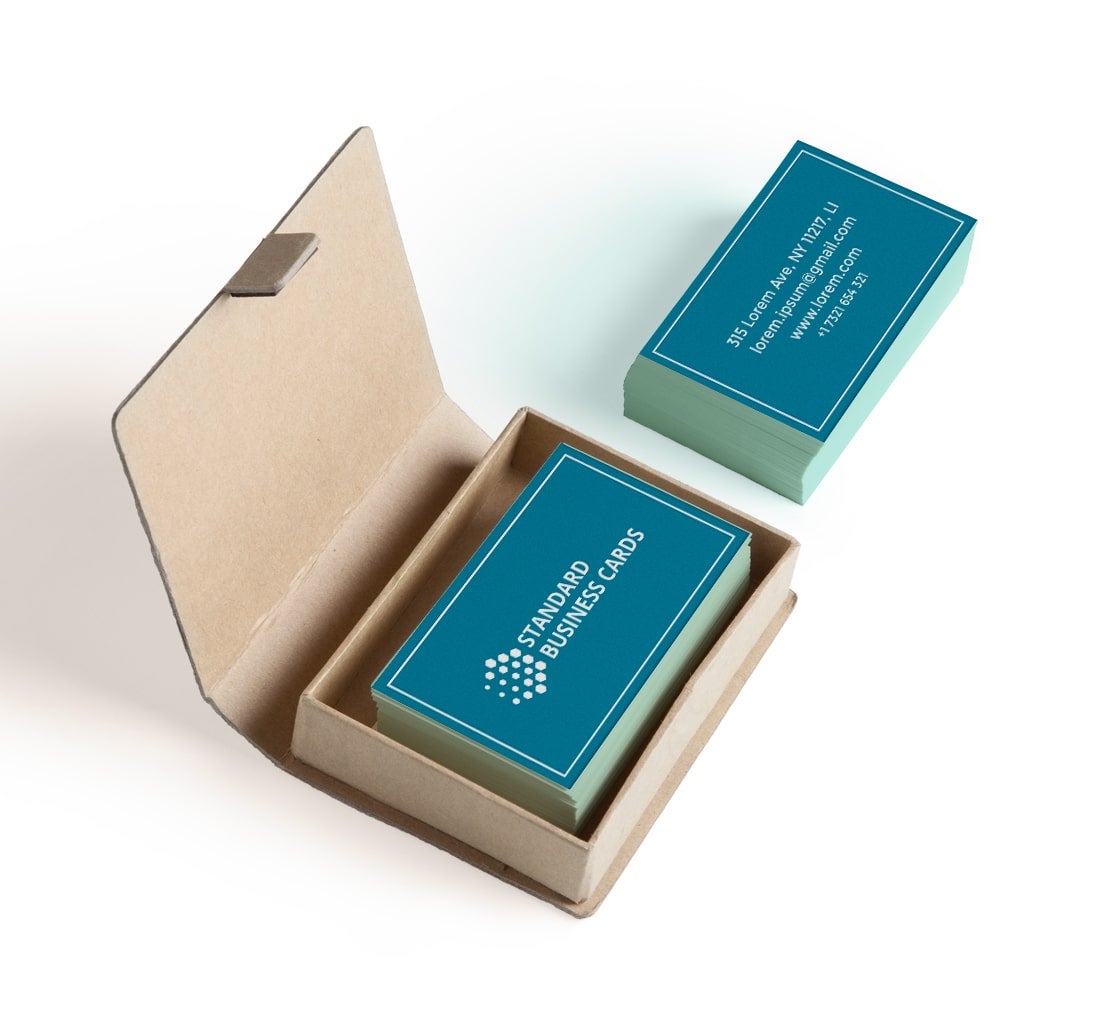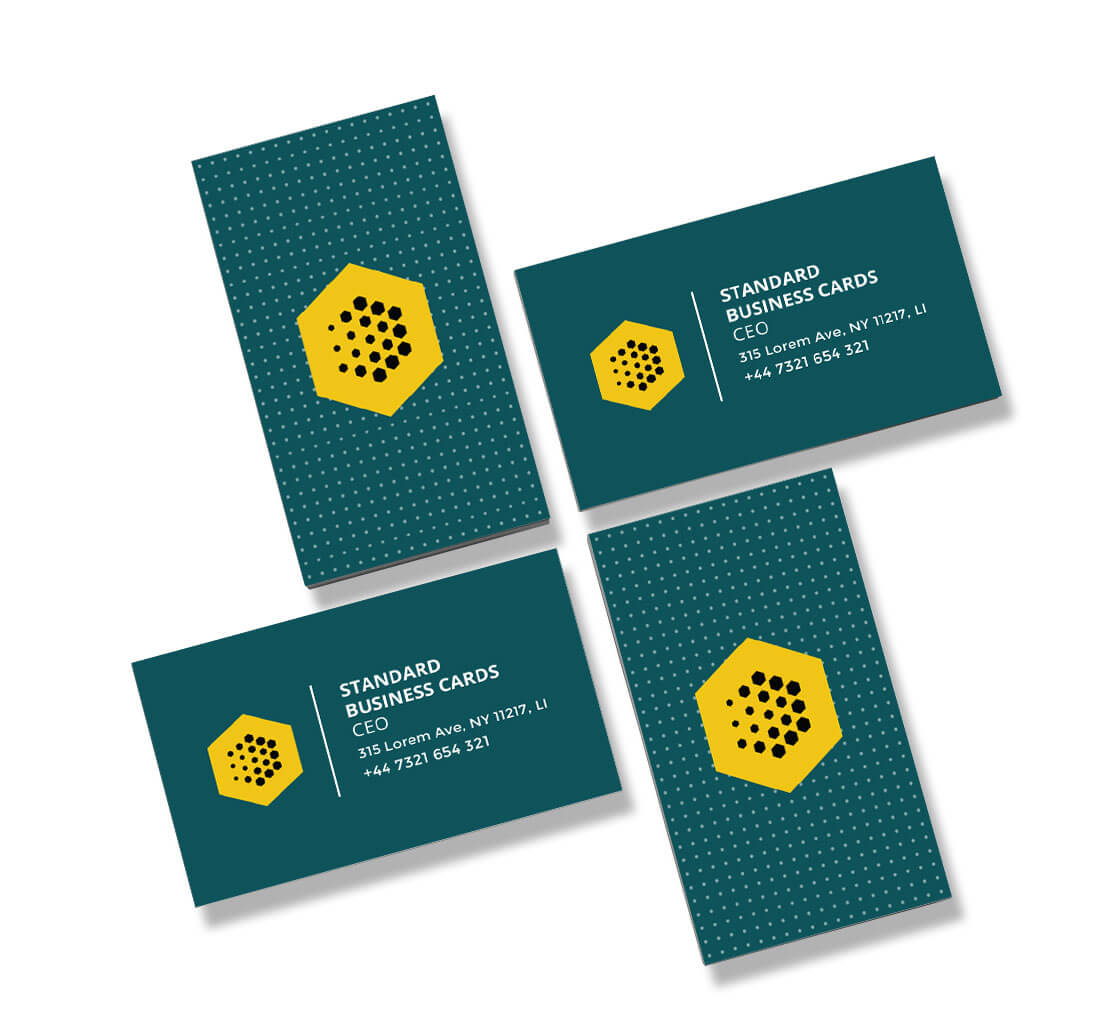


You’ve just finished a meeting with a potential client. It took you three weeks of calls, emails, and follow-ups to get there, and thankfully, the conversation went well. Before leaving, the client asks for your business card.
You check your wallet. Nothing.
Popular Products
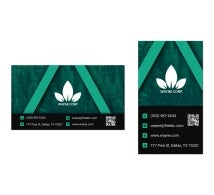





Now, imagine having a card, but the phone number on it is old, the email address is wrong, or the design looks like something you made five minutes before leaving home. It doesn’t exactly help when you’re trying to build trust.
Business cards might seem like a small part of running a business, but they still come in handy. Not everyone will remember your name after a quick meeting. A card gives them something to refer to when they need your services later.
So, what to put on a business card? What business card information actually matters? Let’s get into it.
What are the most important things to put on a business card?
Before you start choosing fonts or looking through design templates, figure out what your card needs to say. You don’t have to include everything about your business. Just the business card details that help someone recognise you and get in touch.
Your Name and Job Title
Start with your name. It sounds obvious, but don’t make people search for it among your logo and other details.
Your job title is useful too, particularly if you meet people who don’t know much about your work. A title like “Graphic Designer” tells people more than just your name, while something more specific, such as “Brand Identity Designer,” gives them a better idea of what you do.
If you’re a business owner, you can include your role alongside the company name. There’s no need to make it complicated.
Business Name and Logo
Your business name tells people who you represent. Your logo helps them recognise the brand later.
If you already have established brand colours or fonts, use them. There’s no reason for your business card to look completely different from your website or other marketing materials.
One thing worth remembering: your logo doesn’t have to take up half the card. Leave enough room for the information people actually need.
Phone Number and Email Address
This is the part people will look for when they’re ready to contact you.
Use a phone number you want customers to call and an email address you check regularly. If you have a business email, that’s usually a good option.
You can also add your website, but don’t feel obligated to list every social media account you own. If a platform isn’t relevant to your work, leave it off.
The best business card information is the information that gets used.
Website or QR Code
Your website can do the explaining that your card doesn’t have room for.
A photographer could send people to a portfolio. A consultant might link to a booking page. A small business could direct customers to its online store.
A QR code can be a convenient way to do this, but make sure it actually leads somewhere useful. Sending someone to a homepage that takes forever to load isn’t going to help much.
What Information Goes on a Business Card for Different Businesses?

The answer depends on what you do, and knowing what to include on a business card really comes down to your industry.
A contractor might need a phone number and service area. A real estate agent may want to include their brokerage information and website. A freelance designer could benefit from adding a portfolio link.
There’s no reason all three should use the same card.
Think about the conversation you usually have with customers. What do they ask you? What information do they need when they’re ready to contact you?
For some businesses, a phone number is the most important detail. For others, it’s a website where people can see previous work.
You have limited space, so use it for something useful.
How to Create a Business Card With the Right Information
Here’s where you need to be a little careful. It’s easy to get carried away when designing a card.
You start with your name and logo. Then you add a phone number, email address, website, social media handles, a tagline, and maybe a list of services. Suddenly, the entire card is covered in text.
Try not to do that.
Pick the details that matter most and give them room to breathe. A potential client shouldn’t have to squint to find your email address.
Look at the design on an actual screen at a realistic size, and if possible, order a proof before printing. Check for spelling mistakes, incorrect contact details, and anything that looks out of place.
It sounds basic, but it’s better to catch a mistake before you order a few hundred cards.
Business Card Design Ideas That Don’t Feel Overdone
Not every business card needs to be flashy. Sometimes, a clean design with a good typeface and a bit of white space is all you need.
That doesn’t mean you have to stick to a plain white rectangle, either.
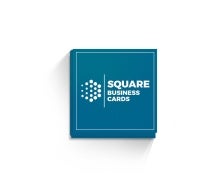
A square business card can give your design a different look. A circle business card is another option if you’re after something less conventional. Just remember that unusual shapes may not fit as easily into a wallet or standard cardholder.
If your business has a more premium feel, you might consider a premium business card with a different finish or paper stock. You don’t have to spend a fortune, though. A well-designed card printed on quality stock can already make a good impression.
The design should suit your business. A creative studio and a law firm probably won’t want the same look, and that’s perfectly fine.
Which Business Card Should You Choose?

Once you’ve worked out your information and design, you can start thinking about the format.
A custom business card gives you flexibility when it comes to the layout, branding, and overall look. It’s a straightforward option for most businesses.
A folded business card gives you more space to work with. You could use it to show additional services, include a small portfolio, or provide more information about your business.
Then there’s the die-cut business card, which lets you experiment with custom shapes and cutouts. It can be a fun option if you want something a little different from the standard format.
There isn’t a right answer for everyone. Think about your budget, the people you’re handing the cards to, and how you want your brand to come across.
A Few Mistakes Worth Avoiding
You don’t need to overthink your card, but a few things can cause trouble.
Too much information: Your business card isn’t your entire website. Don’t try to squeeze every detail onto it.
Tiny text: A design might look nice on your laptop and become difficult to read when printed.
Outdated contact details: If you’ve changed your email or phone number, update your card too.
Poor-quality printing: Blurry text, dull colours, or weak paper can take away from an otherwise good design.
No clear purpose: Ask yourself what you want someone to do after receiving your card. Call you? Visit your website? Keep you in mind for a future project? Let that guide what you include.
Final Thoughts
A business card won’t do all the work of finding clients for you. But it can help you stay in touch after a meeting, especially when someone isn’t ready to make a decision right away.
You don’t need a complicated design or a card packed with information. You need something that tells people who you are, what you do, and how to reach you.
Whether you’re looking for a custom business card, folded business card, or die-cut business card, take a little time to get the details right before sending your design to print.
BannerBuzz offers business card printing options to help you put your design into the hands of potential customers.